Posting consistently on Threads is the single biggest lever for growth — but "consistently" is hard to sustain if you're opening the app five times a day to hit publish manually. Scheduling fixes that. Here's how to actually do it, and why when you schedule matters almost as much as that you schedule.
Try BlackTwist for free
4,000+ creators and small companies use BlackTwist to grow their audiences every monthScheduling natively in the Threads app
Meta added native scheduling to Threads in February 2025:
- Write your post as normal.
- Tap the three-dot menu before posting.
- Pick a date and time.
- Tap Schedule.
It works — for one post at a time. There's no calendar view, no bulk upload, and rescheduling means deleting the post and starting over. Fine for the occasional post; painful for planning a week or month of content in one sitting.
Scheduling with a dedicated tool
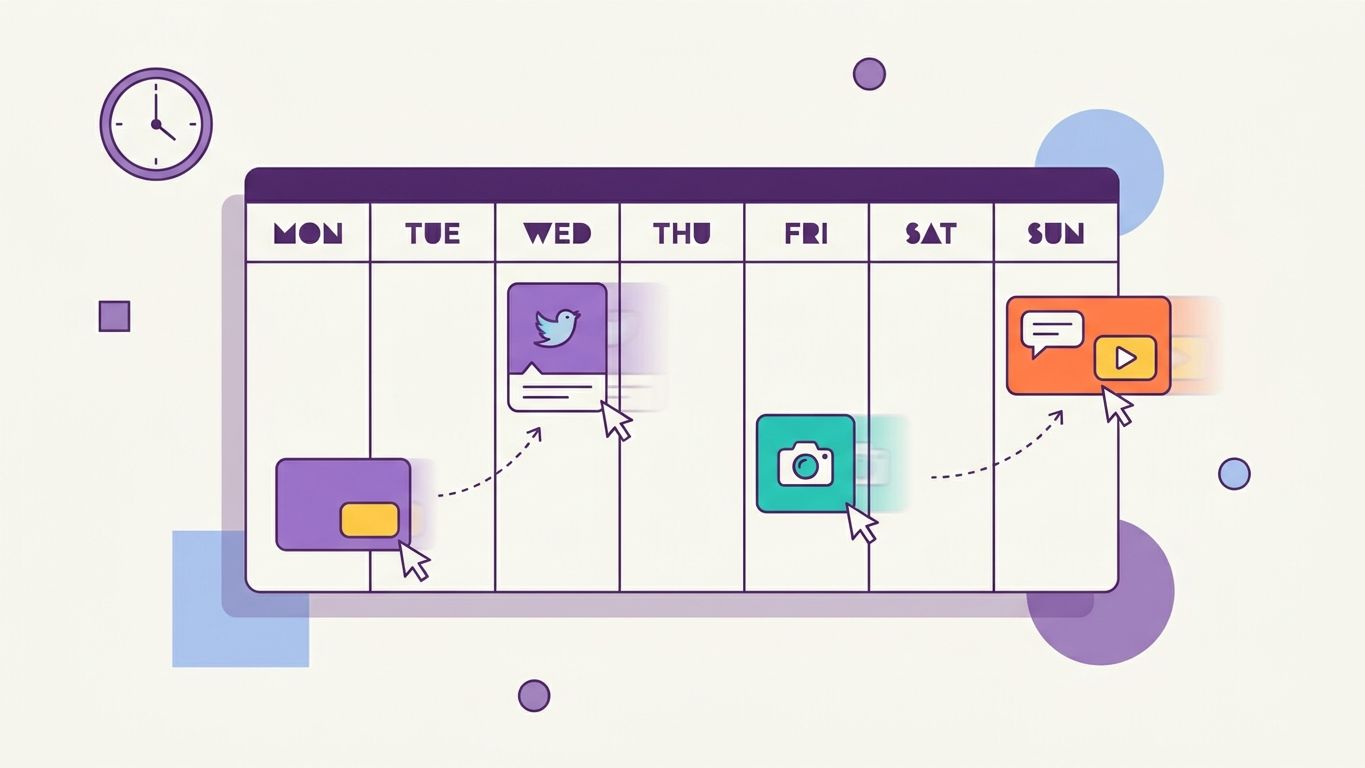
This is where a tool like BlackTwist changes the workflow: a drag-and-drop calendar to see your whole week at a glance, bulk upload via CSV for dropping in dozens of posts at once, and one-click rescheduling instead of delete-and-recreate. You write once, in a batch, then get back to the rest of your day.
Why timing matters
Threads' algorithm favors posts that get early engagement — the first hour or two after you publish disproportionately determines how far a post travels. Posting into a dead window (say, 3 AM local time for your audience) means your post has already lost its best shot at momentum before anyone's awake to see it.
That's why when you schedule for matters as much as scheduling itself. Our free best-time-to-post heatmap breaks down engagement by day and hour so you're not guessing — pair it with your scheduling queue and you're not just posting consistently, you're posting at the times most likely to actually get seen.
Putting it together
- Batch-write a week (or month) of posts.
- Check the best-time-to-post heatmap for your peak windows.
- Drop your posts into a calendar-based scheduler at those times.
- Let it run, then check analytics to see what actually landed — and adjust next batch.
That loop — batch, time it right, review, repeat — is the difference between "I post on Threads sometimes" and an actual content system.