BlackTwist
The Threads scheduler. Without living on Threads.
A free Threads scheduler for 4,000+ creators who plan a month of content in one sitting — then get back to their life.
j
i
l
h
g
h
h
b
p
Join 4,000+ creators and small companies
Why scheduling matters on Threads
Meta added native scheduling in early 2025. It works — until you try to batch a week of content.Native Threads scheduling
Fine for one post a week.
Free, built into the Threads app
Tap three-dot menu → pick a date → done
One post at a time — no bulk scheduling
No calendar view to plan your week
Reschedule = delete and re-create
BlackTwist
Built to batch a month in one sitting.
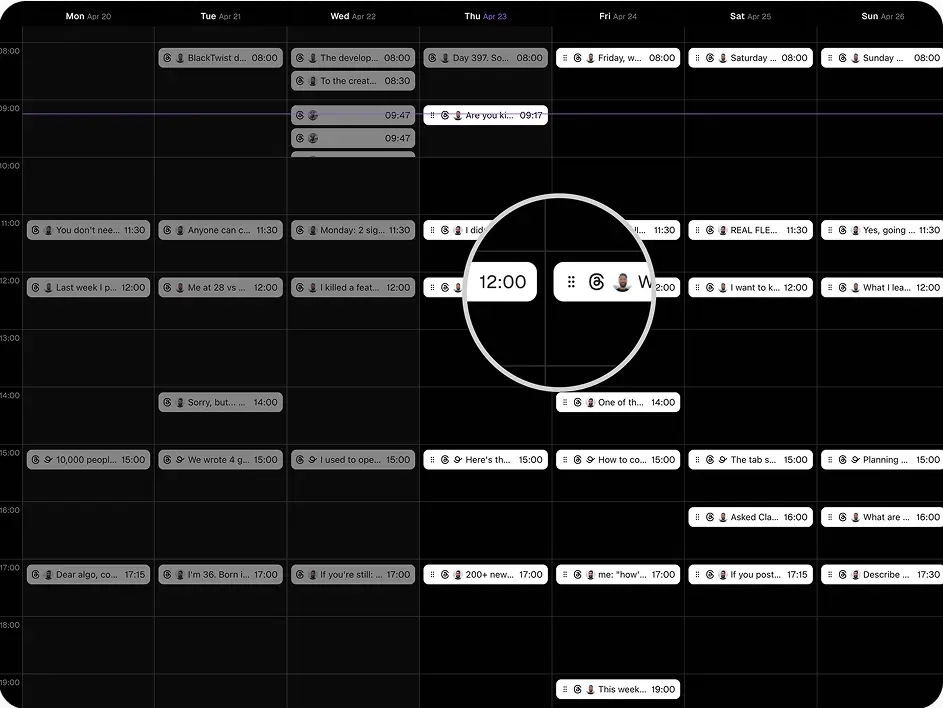
Drag-and-drop calendar — plan your whole week visually
Bulk schedule — drop in 30 posts at once
One-click reschedule — drag to a new slot
Best-time queue — auto-fills your top posting slots
Free plan — no credit card to start
Schedule a month in one sitting. Get back to your life.Start scheduling free
Built for batching a month in one sitting.
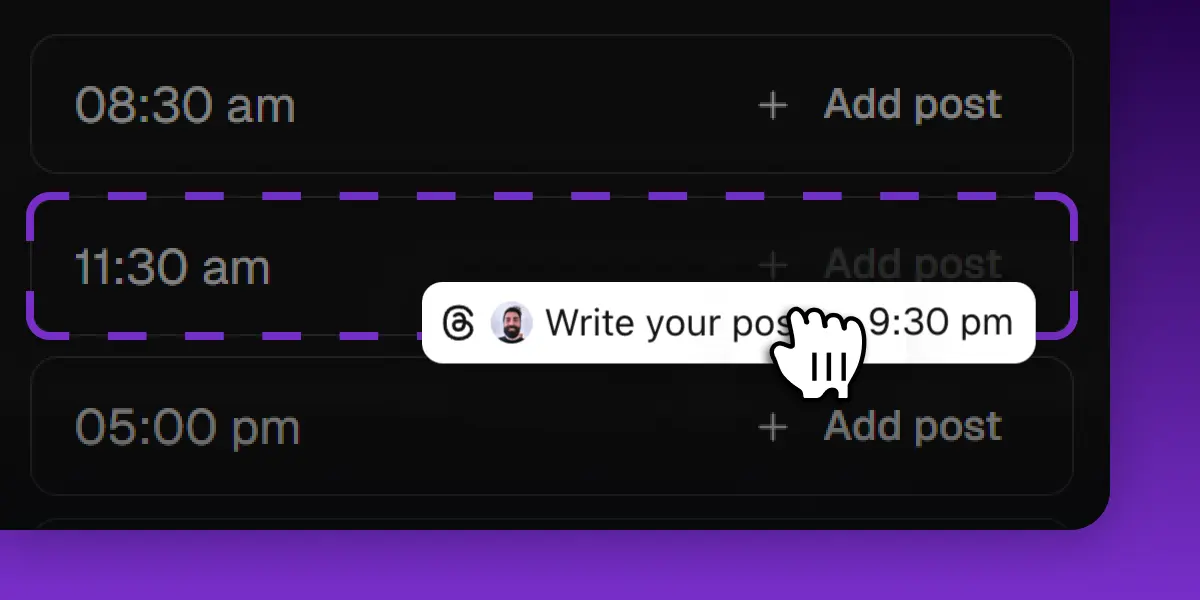
Drag-and-drop calendar
Plan your week visually. Drag posts between days, reschedule with one click.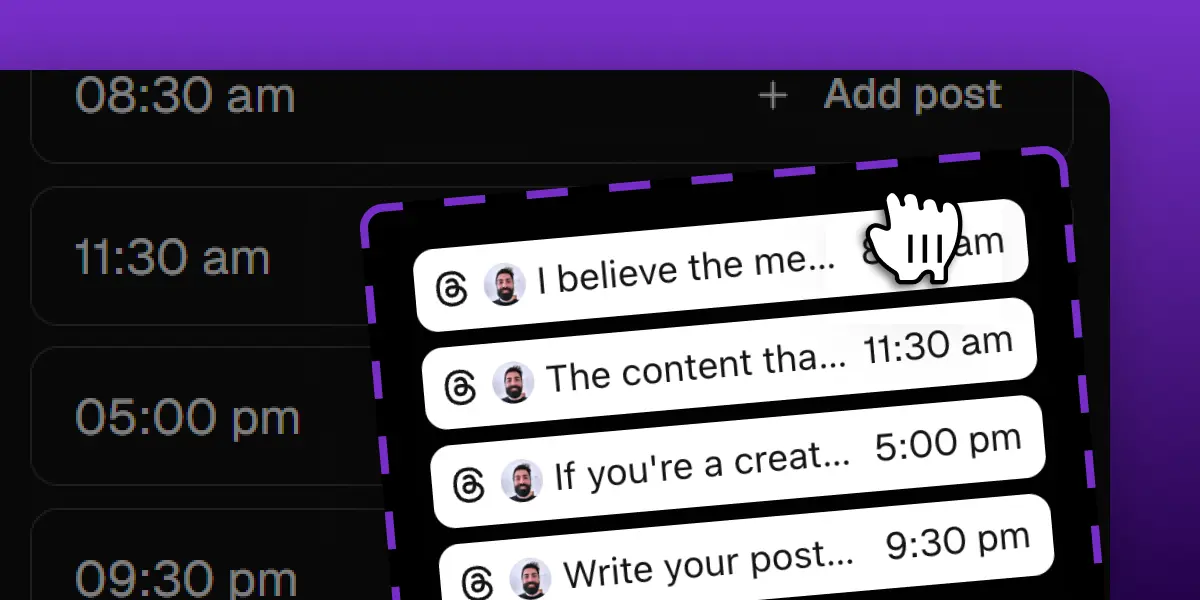
Bulk upload via CSV
Upload a CSV with up to 100 posts and long-form threads at once. Schedule each row at a specific date — or save the rest as drafts.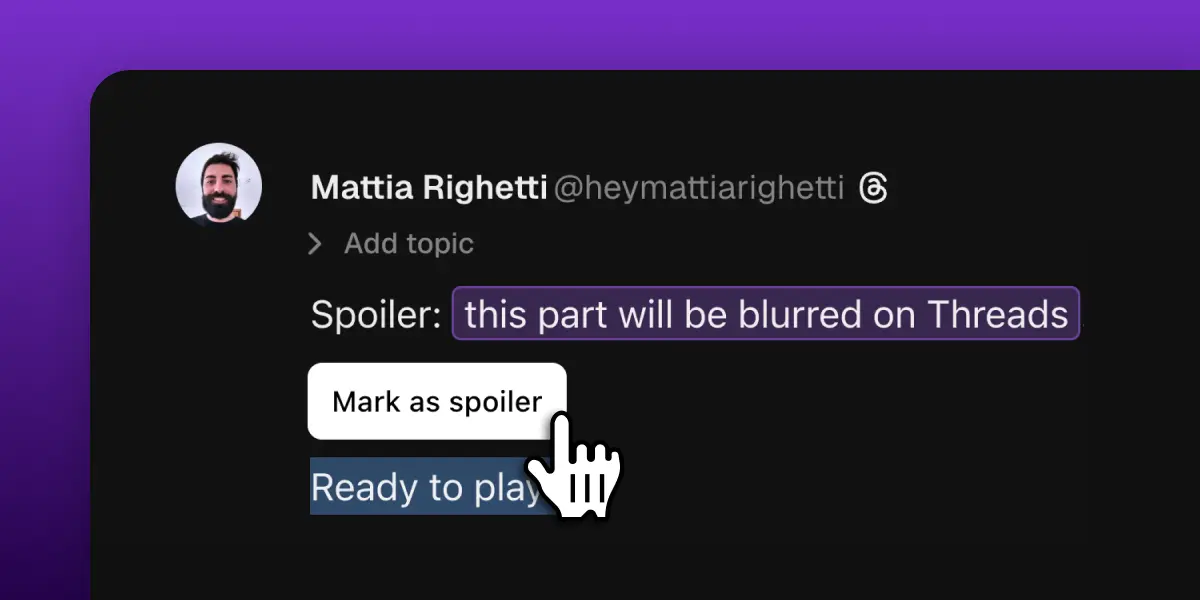
Threads-native features
Long-form threads, spoilers, image carousels, link cards — everything Threads supports, BlackTwist supports.
I schedule a month of Threads in one sitting now. It gave me back my family time.
Threads scheduling FAQ
Does Threads have a scheduler?
Yes. Meta added native scheduling to the Threads app in February 2025 — tap the three-dot menu, pick a date, tap Schedule. It works for one-off posts. For batching a week or month of content in one sitting, a dedicated tool like BlackTwist gives you a calendar view, bulk scheduling, and reschedule-by-drag.What is a Threads scheduler?
A Threads scheduler is a tool that lets you write Threads posts in advance and have them published automatically at the times you choose. The best ones add a calendar view, bulk scheduling, optimal posting time suggestions, and analytics so you can see what works.Can you schedule Threads posts in bulk?
Not with native Threads scheduling — Meta's built-in scheduler handles one post at a time. With BlackTwist, you can drop in dozens of posts at once and have them drip-published across the week at your best times.Where do scheduled Threads posts appear?
Native scheduled posts live inside the Threads app under your profile menu. Scheduled posts created in BlackTwist appear in your BlackTwist calendar — you can edit, reschedule, or delete them up until the moment they publish, and you'll get a confirmation once they go live.How do I automate posting on Threads?
Connect your Threads account to BlackTwist (one-tap OAuth, no passwords stored), write your posts in the BlackTwist composer, pick a publish time, and BlackTwist handles the rest. You can also pre-build a posting queue that auto-fills with your scheduled content.Is there a free Threads scheduler?
Yes — BlackTwist's free plan includes the calendar view and scheduling, no credit card required. Paid plans add bulk CSV uploads, auto-reposts, follow-up replies, and deeper analytics once you outgrow the basics.BlackTwist vs. Native Threads vs. Buffer
| Feature | BlackTwist | Native Threads | Buffer |
|---|---|---|---|
| Threads-only focus | Multi-platform | ||
| Bulk scheduling | |||
| Calendar view | limited | ||
| Auto-reposts | |||
| Auto follow-up replies | |||
| Long-form threads | |||
| Threads analytics | limited | ||
| Engager (reply assist) | |||
| Free plan | |||
| Built by creators on Threads |
Stop juggling tabs. Schedule your first month.
Free plan covers everything you need to get started. No credit card. Connect your Threads account in 30 seconds.Start scheduling freeKeep exploring
More tools and resources to help you grow on Threads.Your Threads growth starts here.
Schedule smarter. Grow faster. Start free.j
i
l
h
g
h
h
b
p
Join 4,000+ creators and small companies