Activate a paid plan
Support
How to Subscribe to BlackTwist
This guide walks you through subscribing to a BlackTwist plan in just a few simple steps.
Before You Start
Make sure you're logged in to your BlackTwist account before starting the subscription process. This ensures your plan is automatically associated with your account once payment is complete.
If you're not logged in, you'll need to manually link your subscription afterward by contacting support at hey@blacktwist.app, so it's much easier to sign in first.
Step 1: Visit the Pricing Page
Head over to blacktwist.app/#pricing to view the available plans.
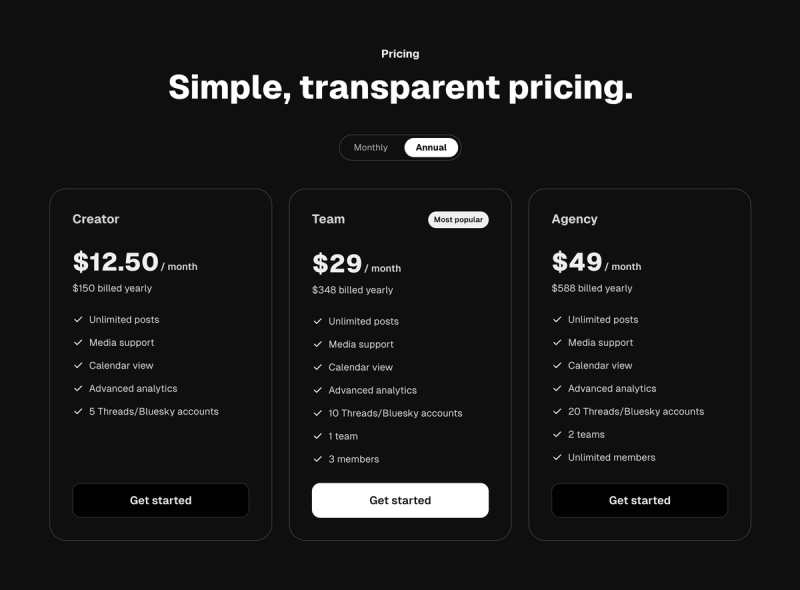
BlackTwist pricing page
Step 2: Choose Your Billing Cycle
Select the plan that works best for you:
- Monthly — Pay month-to-month with full flexibility
- Annual — Save more with a yearly subscription
Toggle between the two options to compare pricing and pick the one that suits your needs.
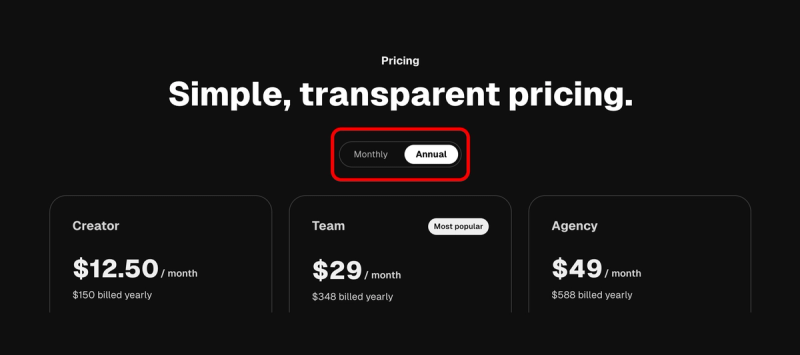
Monthly - Yearly toggle
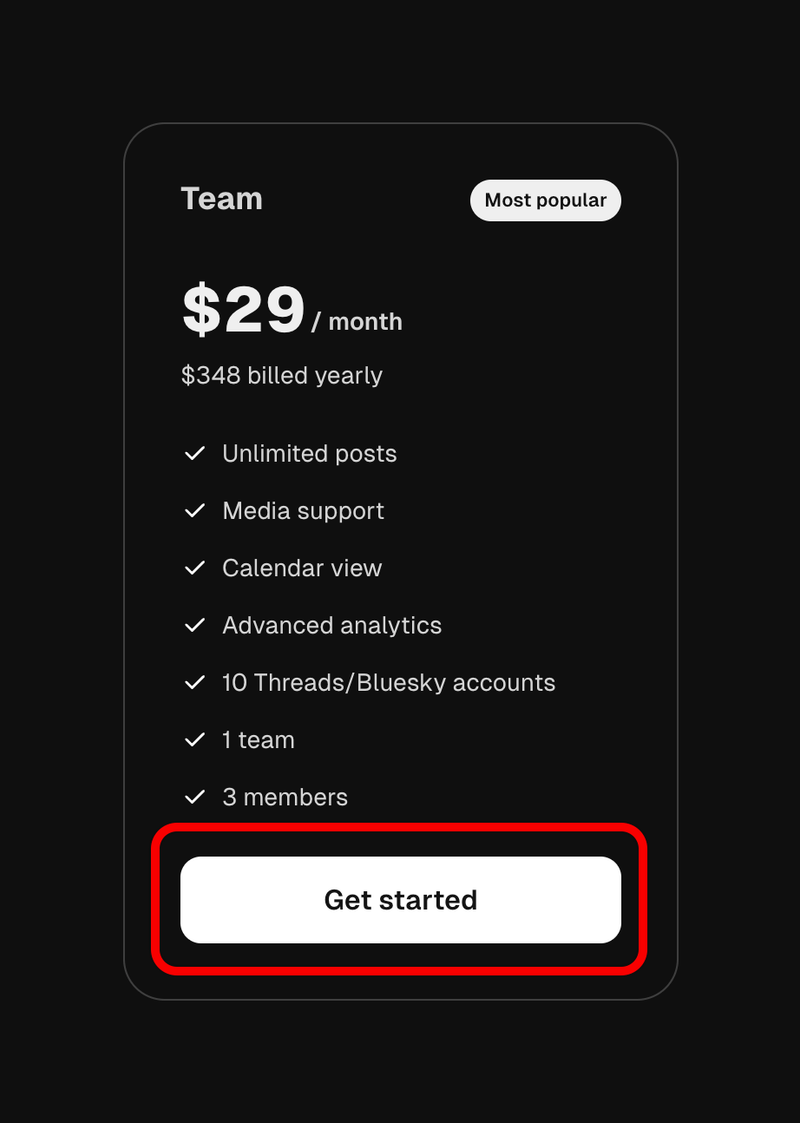
Step 3: Click "Get Started"
Once you've selected your preferred billing cycle, click the "Get Started" button on the plan you want to subscribe to.
This will open the Lemon Squeezy secure checkout in a new window.
Step 4: Fill In Your Payment Details
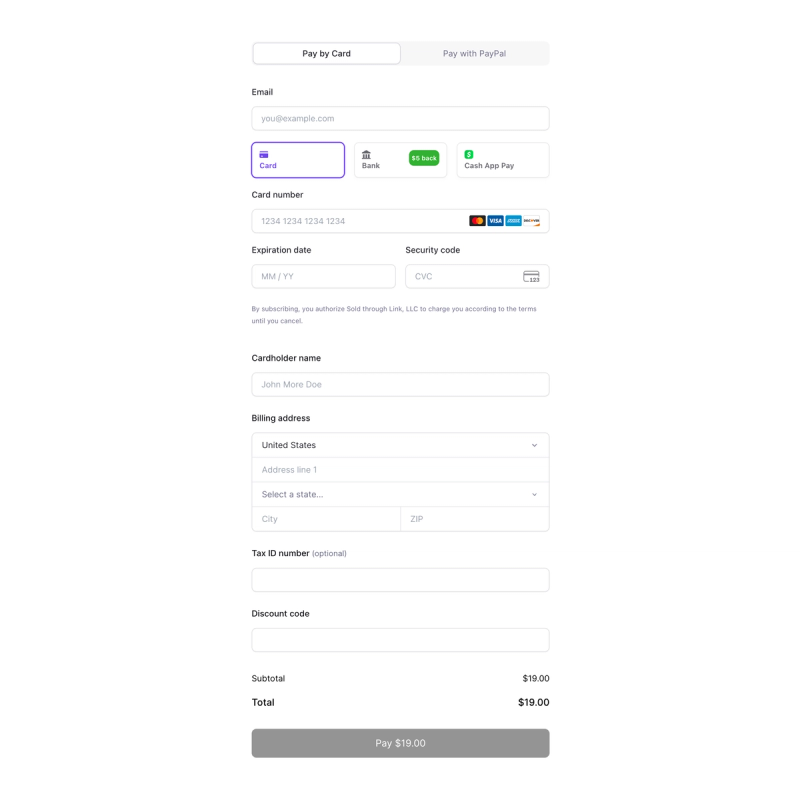
In the Lemon Squeezy checkout, complete the required fields:
- Email address
- Billing information (name, country, address)
- Payment method (credit card, PayPal, or other available options)
Adding VAT Information (For Businesses)
If you're subscribing on behalf of a business and have a VAT number, make sure to enter it during checkout. This will:
- Apply the correct tax treatment based on your business location
- Ensure your invoice includes your VAT details for accounting purposes
Step 5: Complete the Payment
Review your order summary and click the payment button to finalize your subscription.
You'll receive a confirmation email from Lemon Squeezy with your invoice and payment receipt.
Step 6: Your Plan Is Automatically Activated
If you were logged in to BlackTwist before starting the checkout, your new plan will be automatically associated with your account — no extra steps needed. You can immediately start enjoying all the features included in your plan.
Troubleshooting
My subscription isn't showing up in my account If you weren't logged in during checkout, your subscription might not be linked automatically. Contact our support team with your Lemon Squeezy order confirmation email, and we'll associate it with your account right away.
I need to update my billing information or VAT number You can manage your billing details directly through the customer portal link included in your Lemon Squeezy confirmation email.
I want to cancel or change my plan Subscription management is available through your BlackTwist account settings or via the Lemon Squeezy customer portal.
Need Help?
If you run into any issues during the subscription process, reach out to our support team — we're happy to help you get set up.
Your Threads growth starts here.
Schedule smarter. Grow faster. Start free.BlackTwist
Give your social a twist.
Links
PricingThreads SchedulerEngagerAnalyticsAI StudioCompareThreads vs. BlueskyHelp centerChangelogGlossaryBlog✨ Affiliate — Earn 30%
© Copyright 2026 BlackTwist. All rights reserved.